
Built around app.squareup.com
Square login, dashboard and everyday seller tools
One friendly hub for merchants: how sign-in works, what the dashboard shows, payments and POS basics, invoices, hardware and fees—with quick links when you need Square customer support.
- Web
- app.squareup.com
- POS
- In person & online
- Invoices
- Get paid faster
- 24/7
- Help center online
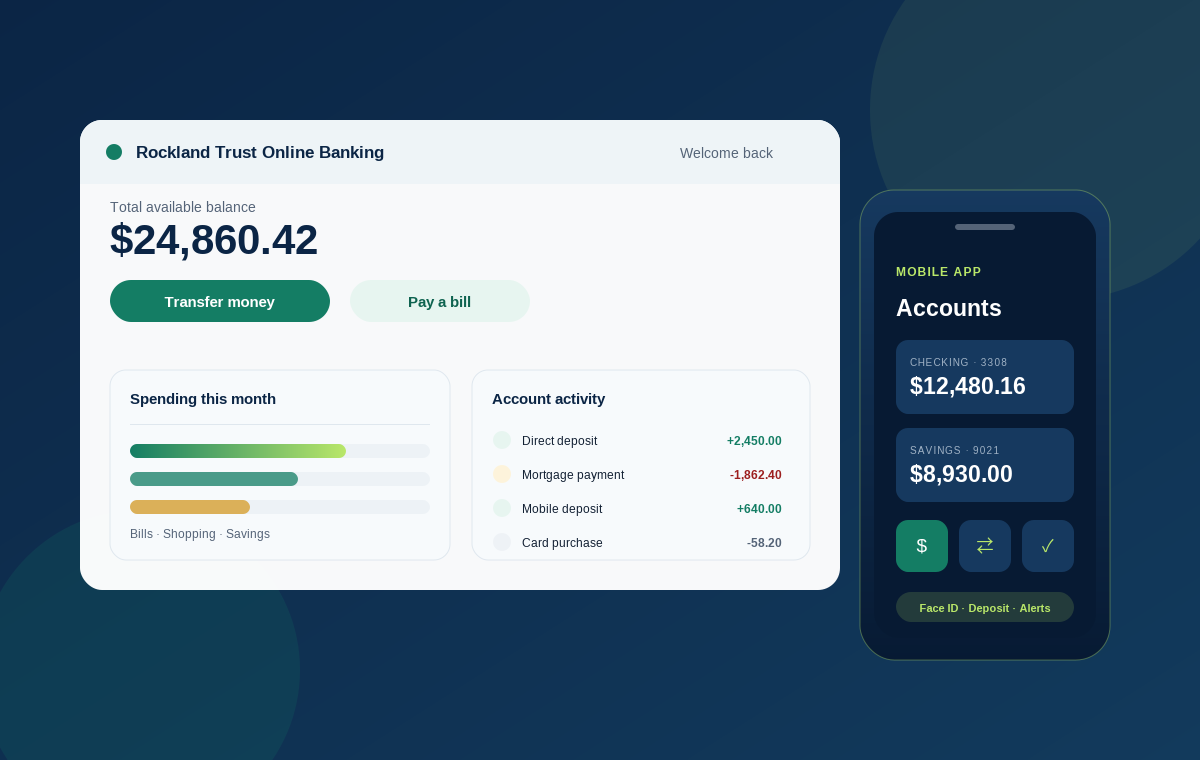 Seller dashboard overview
Start here
What do you need today?
Four common entry points for Square merchants, each focused on app.squareup.com.
 Sign in
Square login
How the sign-in page works, what fields to fill, and how to request detailed help by email.
Login help Dashboard
Square seller dashboard
Sales summaries, items, customers and reports after you open app.squareup.com.
Dashboard details Payments
Square payments
Accept cards, track deposits and reconcile activity from your Square account.
Payment overview Support
Square customer support
Phone hours, help center topics and when to use in-app support.
Support optionsSell anywhere
In person, online or on the go
One account from counter to phone
Square ties in-person POS, online checkout, invoices and the seller dashboard to a single login at app.squareup.com. Open the same account on hardware, mobile apps or the browser.
- In store: Square Point of Sale and card readers.
- Online: payment links, online store and invoices.
- On mobile: Dashboard and POS apps with quick sign-in.

At a glance
Seller activity in the dashboard
Sample payment activity
Illustration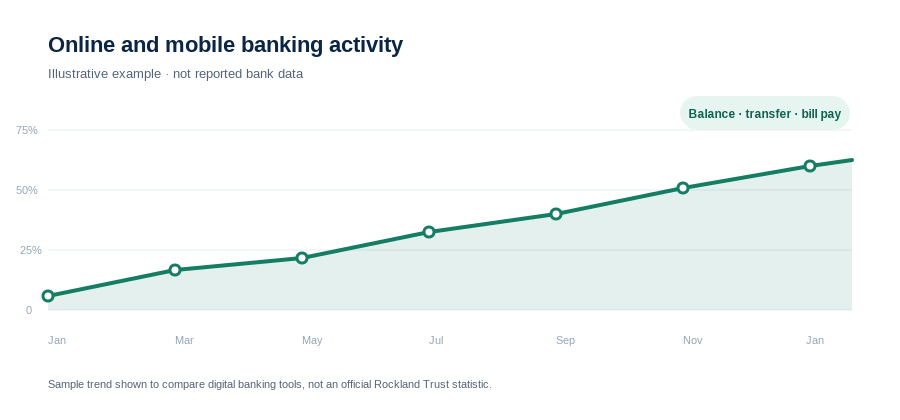
Topics
Payments, tools and hardware
Square business tools
Staff, locations, loyalty and marketing from your account.
Business toolsSquare invoices
Send professional invoices and track paid vs. outstanding.
InvoicesSquare hardware
Readers, stands and registers that pair with POS.
HardwareSquare fees
Processing rates and what affects your effective cost.
Fee overviewSquare seller account
Profile, bank deposit settings and permissions.
Seller accountAccount security
Protect login access and spot phishing pages.
SecurityQuestions
Quick answers about Square access
Where does Square login start?
Sign-in for sellers is at app.squareup.com. Enter the email and password tied to your Square account, then complete any verification step on screen.
What is the Square seller dashboard?
After login, the dashboard shows sales, items, customers, reports and account settings in one place.
Can I use Square on my phone?
Yes. The Square Point of Sale and Dashboard apps use the same account as the web dashboard at app.squareup.com.
Updates
Practical Square notes by email
Occasional reminders about login safety, dashboard features and fee updates. No passwords or card numbers.
Ready to open your seller dashboard?
Use official sign-in at app.squareup.com or read login help first.